Urgency and phishing
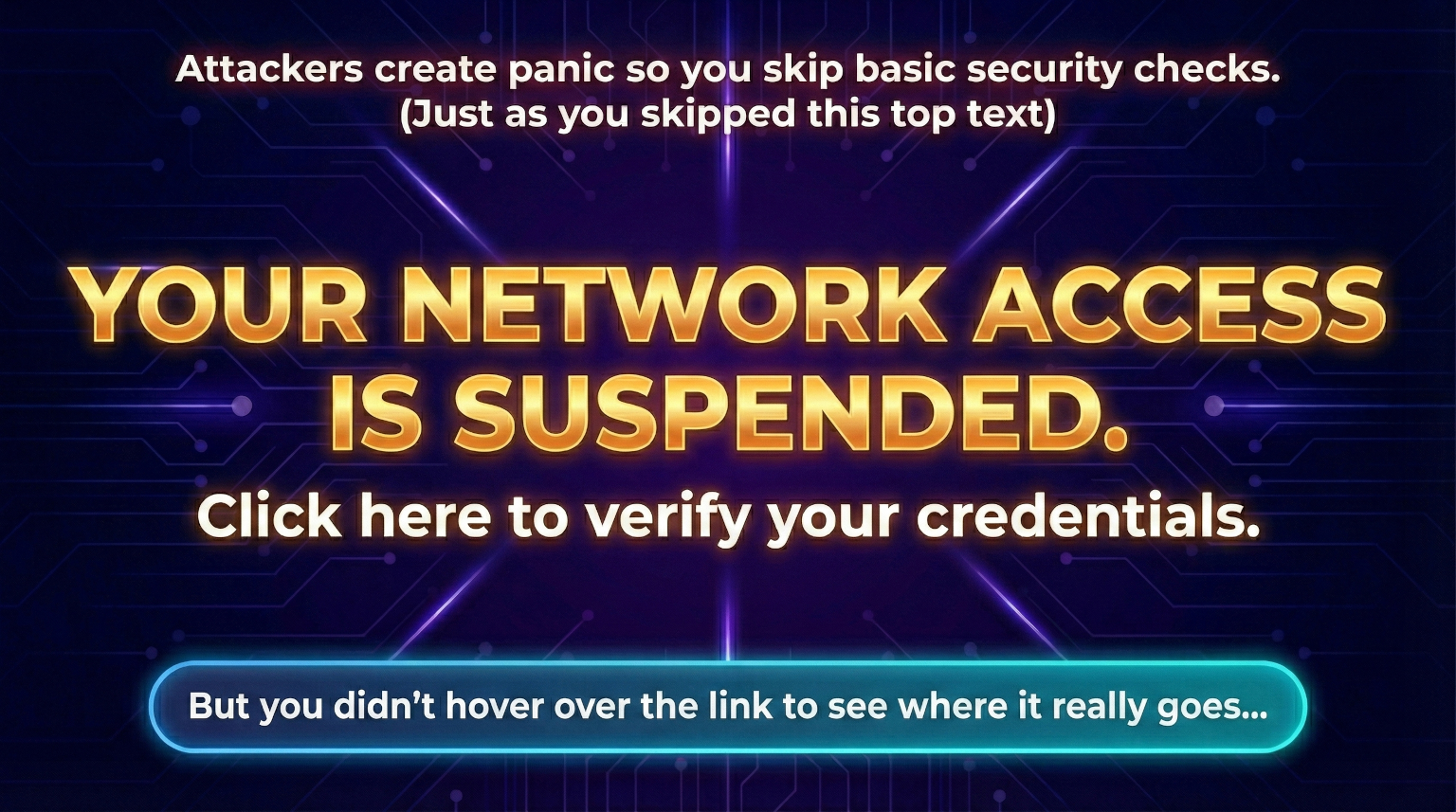
Attackers often create panic so people act before they think.
Helps with: phishing awareness, email scams and social engineering.
Enter a short keyword and press Enter to open full search results.
Practical safeguards with clear priorities.
Advancing Standards
Improving experiences
Better compliance. Better outcomes.
QuickUnderstandableAccessibleDiverse and Inclusive
Attackers often create panic so people act before they think.
Helps with: phishing awareness, email scams and social engineering.
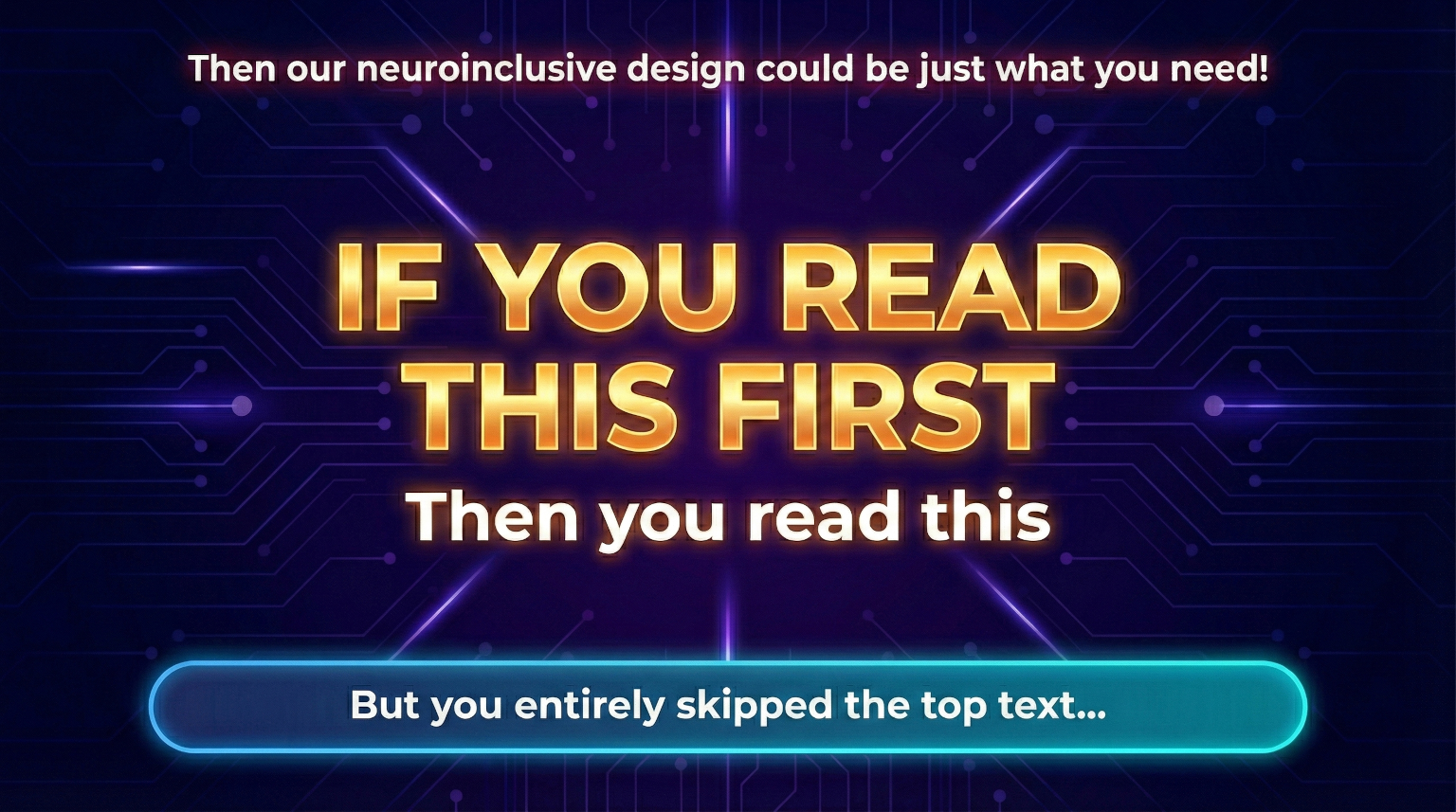
Good security communication guides attention clearly so people do not miss what matters.
Helps with: neuroinclusive awareness design, comprehension and clearer communication.
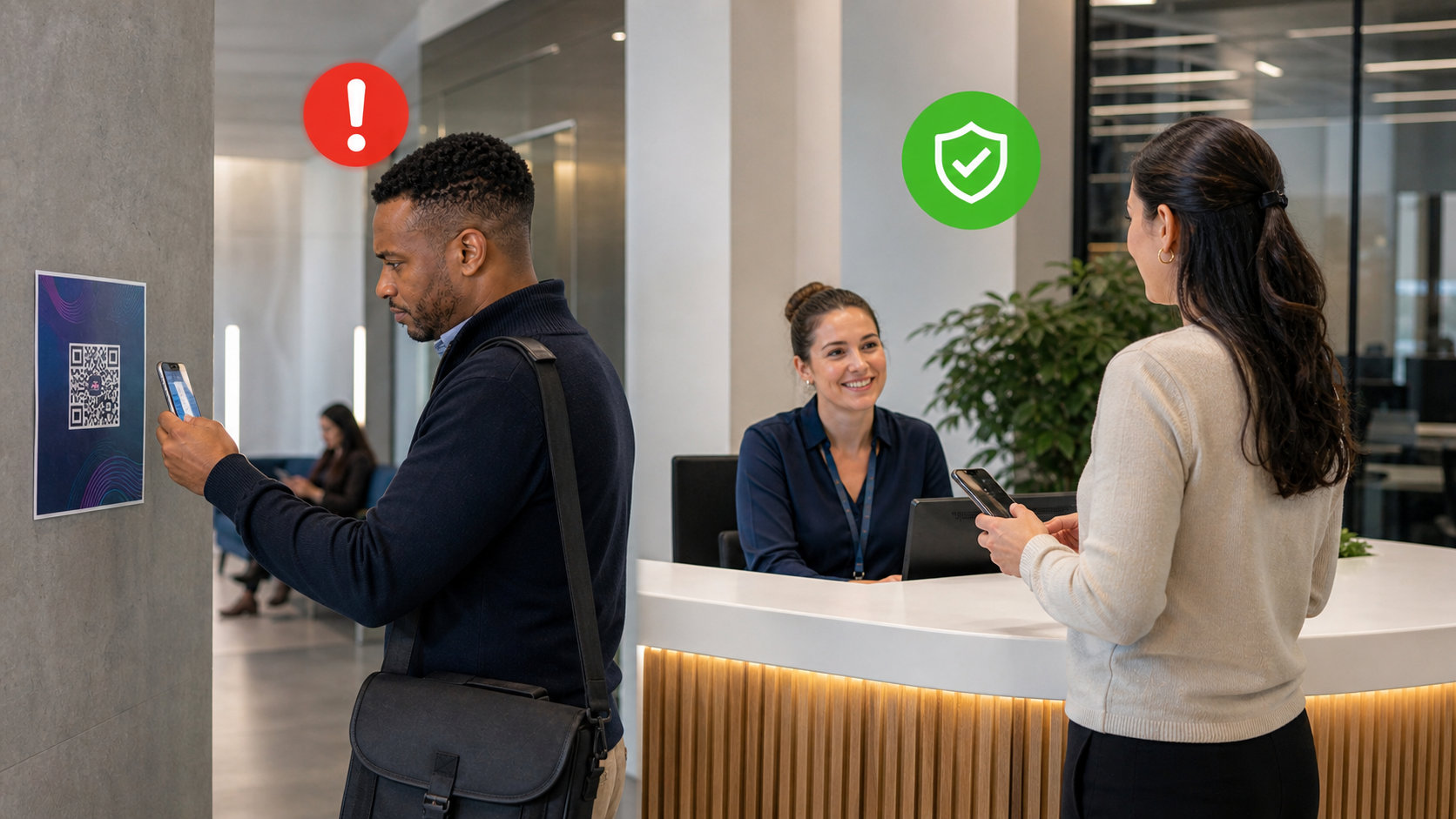
A QR code is still a link, and staff should pause before scanning unexpected ones.
Helps with: phishing prevention, malicious links and safer workplace habits.

Unlocked devices create opportunities for misuse even when someone steps away briefly.
Helps with: unauthorised access prevention and workstation security.
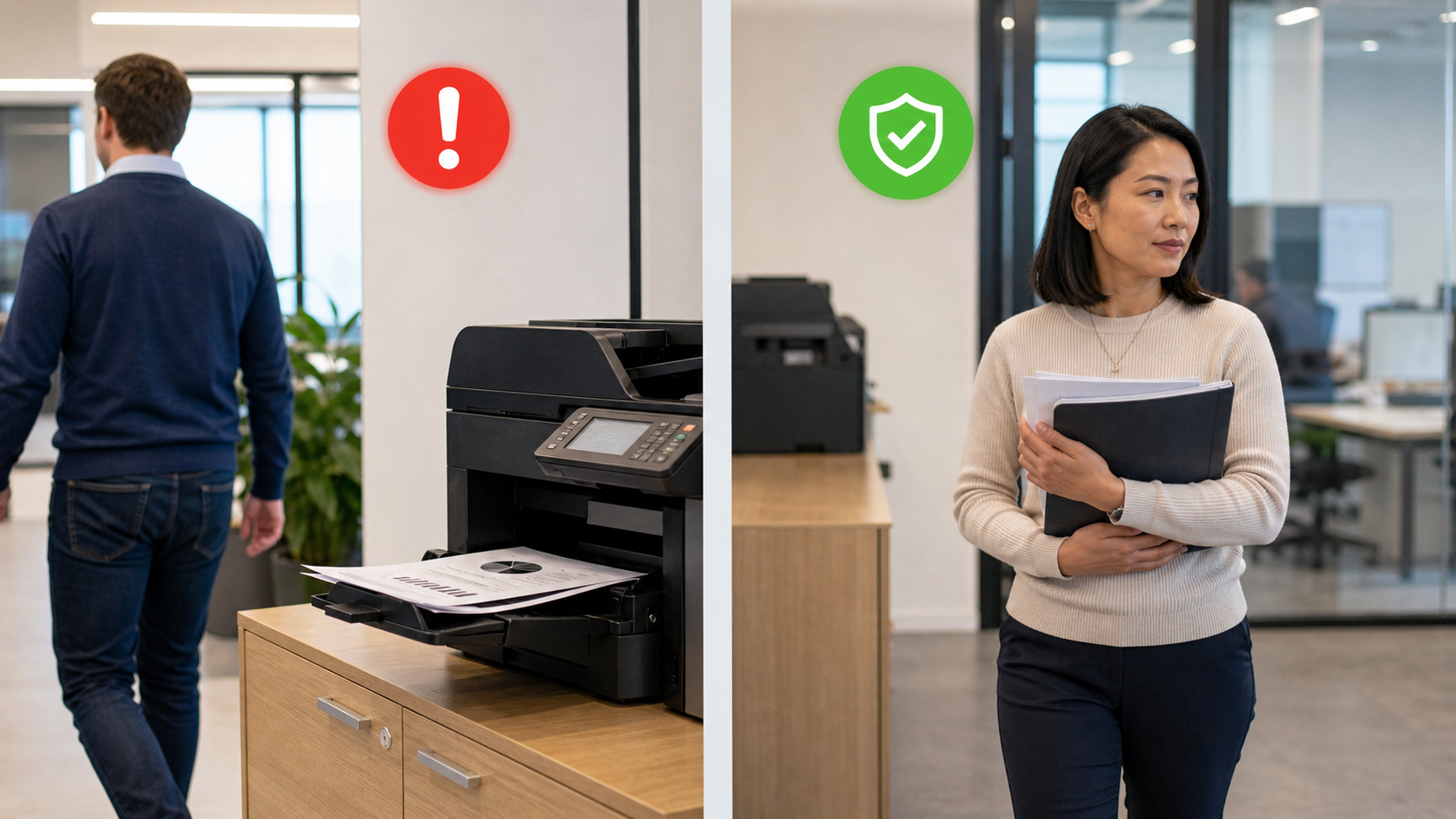
Sensitive documents should not be left sitting at shared printers.
Helps with: accidental disclosure prevention and document security.
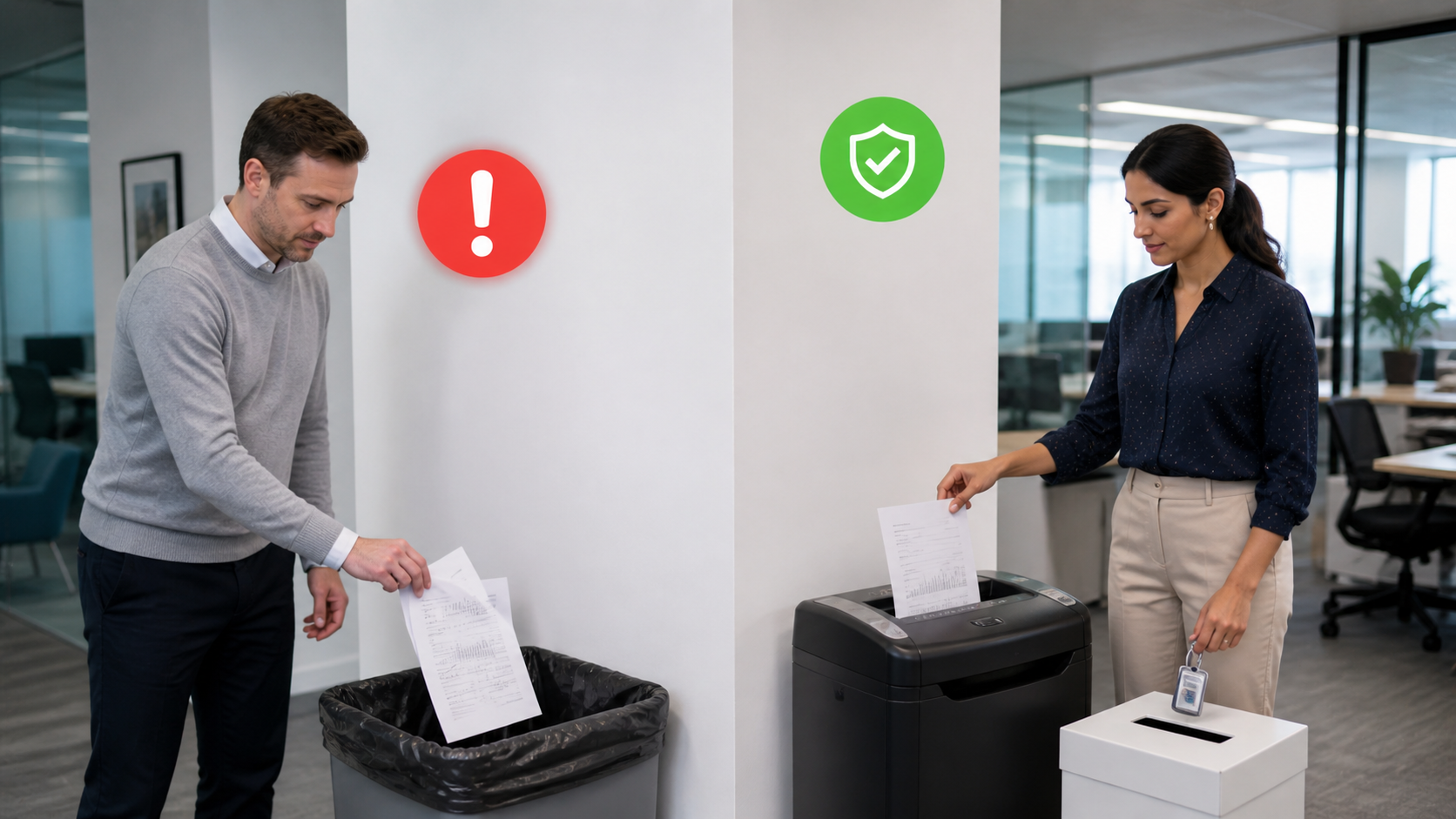
Printed information still needs secure handling when no longer needed.
Helps with: data protection, secure disposal and GDPR-aware practice.
Neuroinclusive design makes security easier to understand because it uses clear language and structured steps that reduce cognitive overload.
For example, replacing dense warning text with short checklists helps neurodivergent staff and supports better decisions for everyone.
We help organisations turn complex security guidance into clear, practical and inclusive learning that people can act on.
Use this checklist as a practical takeaway after the guidance above.